gDesklets is another great tool like Google Gadgets for bringing mini programs called desklets such as weather forecasts, news tickers, system information displays, or music player controls, onto your desktop, where they are sitting there in a symbiotic relationship of eye candy and usefulness. The possibilities are really endless and they are always there to serve you whenever you need them, just one key-press away. The system is not restricted to one desktop environment, but currently works on most of the modern Unix desktops (including GNOME, KDE, Xfce).
To install gDesklets,
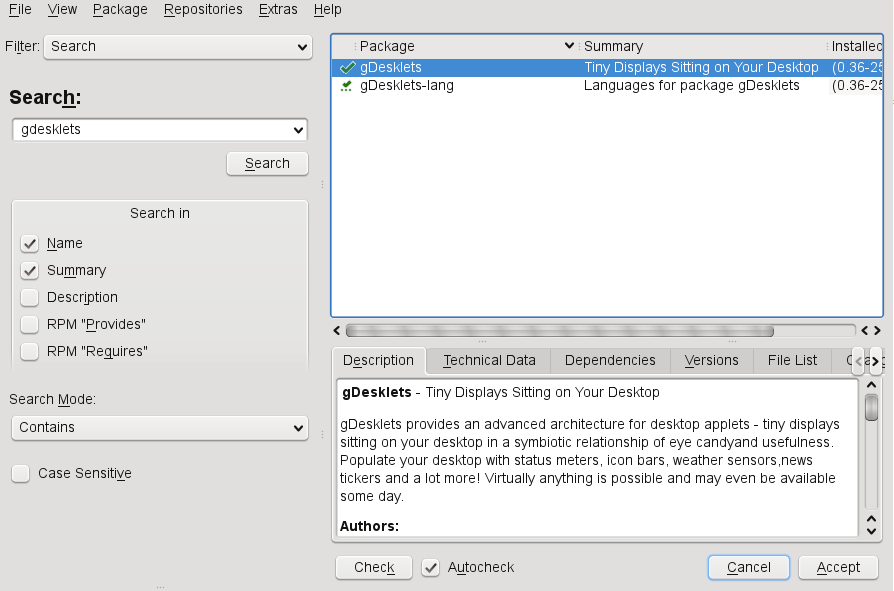
1. Click Computer – Install Software (in KDE KMenu – Computer – Install Software). Enter the root password if you are not a privileged user.
2. In the search box, enter “gdesklets” and press enter. This should list the gDesklets installation package.
3. Select the box for gDesklets and click Accept. This should install the gDesklets package.

If you want a easy route to install, from the terminal install as follows:
opensuse11:~ # yast2 -i gDesklets
This should start YaST Package Manager and install it for you.
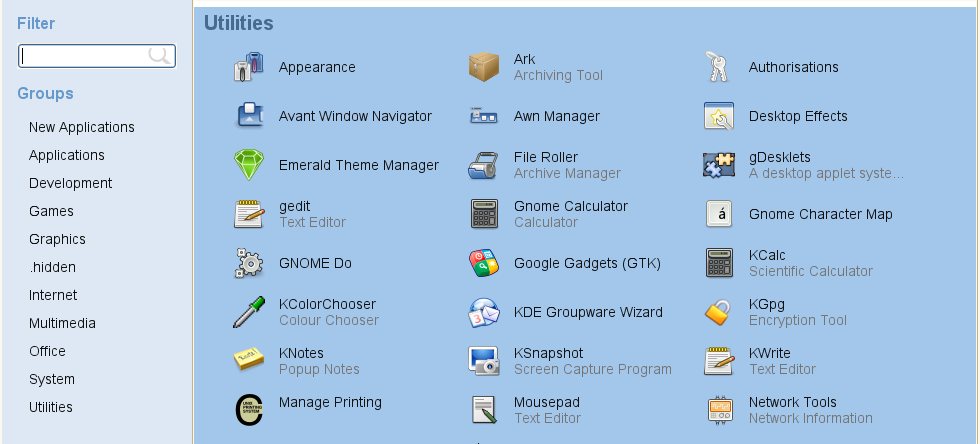
Once installed, gDesklets will be listed under “Utilities” menu. Start gDesklets by clicking on the icon.
To add Desklets, from the selected category, double-click the Desklet. This will move the Desklet to the part of the screen you want. Click on the screen where you want to park it. That is all.
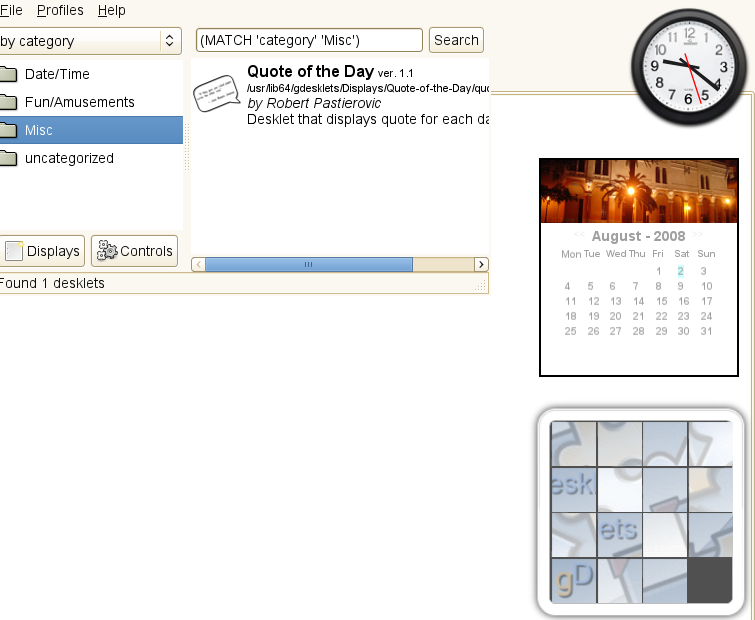
To configure the Desklet, right-click on the Desklet and click configure.
You can get more Desklets from here
To install a new Desklet, from File and select “Install Package”. Alternatively, select “Install Remote Package” and enter the actual URL of the tar.gz file. For instance, to install “SideCandy PopMail” provide this URL
http://www.gdesklets.de/files/desklets/SideCandy%20PopMail/SideCandy%20PopMail-0.3.tar.gz
To bring the gDesklets front (on top of all active windows) press <SHIFT>+F12. Press the same key combination again to send it to the background.
screenlets is better
Does not work on Ubuntu with nVidia drivers and compositing enabled. Use Screenlets instead, but don’t bother using the version shipped with Ubuntu. Get the most recent version from site.