Ri-li is an arcade game that runs under Linux, Windows, Mac OSX. You drive a toy wood engine in many levels and you must collect all the coaches to win. Ri-li is free and opensource licensed under GPL.
Install Ri-li
To install Ri-li, click this 1-click installer from Packman supported on openSUSE 11.1/11.0/10.3/10.2

NOTE: Click here for a how to on enabling 1-click install in openSUSE 10.2
This should download the YMP file and automatically launch the YaST package manager to add the required Repositories and download and install Ri-li and the dependencies. Click next on the Ri-li installation screen and Next again on the installation proposal window. This should start adding the required repositories, download and install Ri-li and its required dependencies. Click Finish when the installation completes successfully.

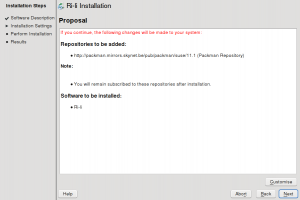
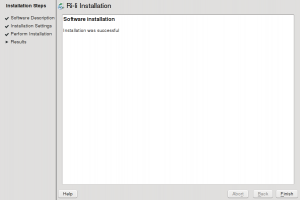

As you would expect this should install Ri-li under “Applications – Games“ as “Arcade Game“. Click Arcade Game to launch for the first time. Set your options and start playing. I can’t see myself doing much of a howto here on how to play the game. Have fun!!!




Click here to visit the games homepage.
its a amazing game.
yes israr you right i also played it.
This is really cool. Thanks for sharing this.