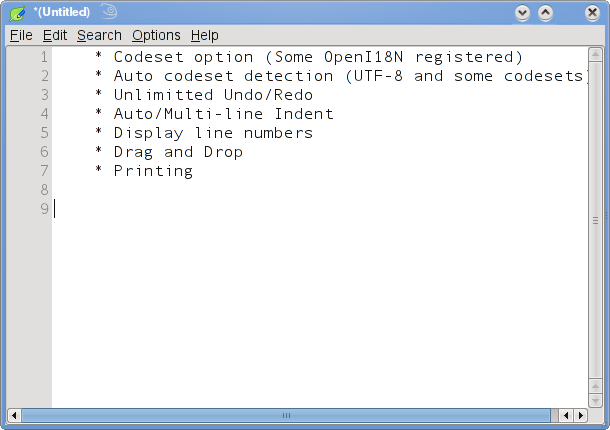
Leafpad is a GTK+ based simple easy to use free opensource Text Editor for Linux. Leafpad requires few libraries, and starts up quickly. The user interface is similar to “notepad” with minimal menu items, and it aims to be lighter than GEdit and KWrite and to be as useful as them.
Leafpad features include,
Codeset option and Auto codeset detection
Unlimited Undo/Redo
Auto/Multi-line Indent
Display line numbers
Drag and Drop support
Printing
Install Leafpad
To install Leafpad, click this 1-click installer from Packman supported on openSUSE 11.1/11.0/10.3

This should download the YMP file and automatically launch the YaST package manager to add the required Repositories and download and install Leafpad and the dependencies. Click next on the Leafpad installation screen and Next again on the installation proposal window. This should start adding the required repositories, download and install Leafpad and its required dependencies. Click Finish when the installation completes successfully.

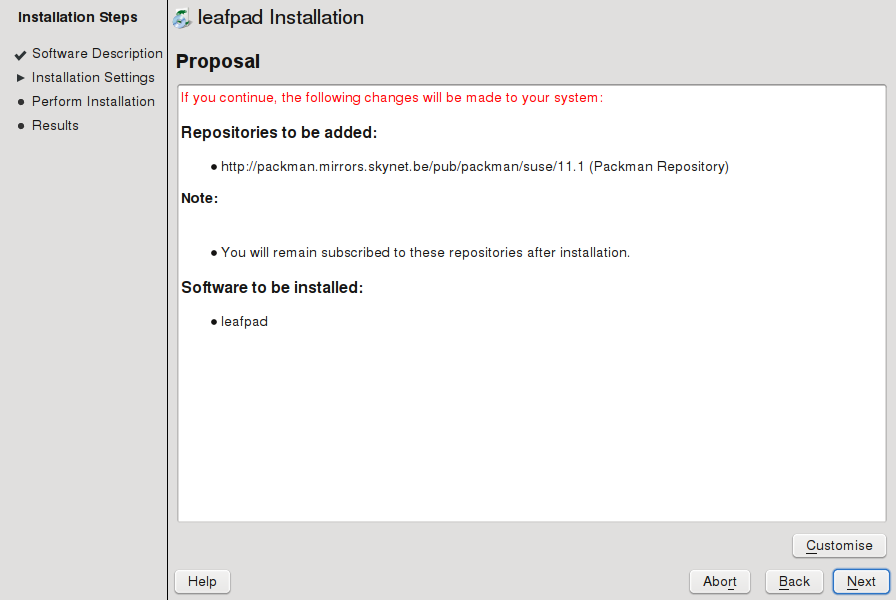
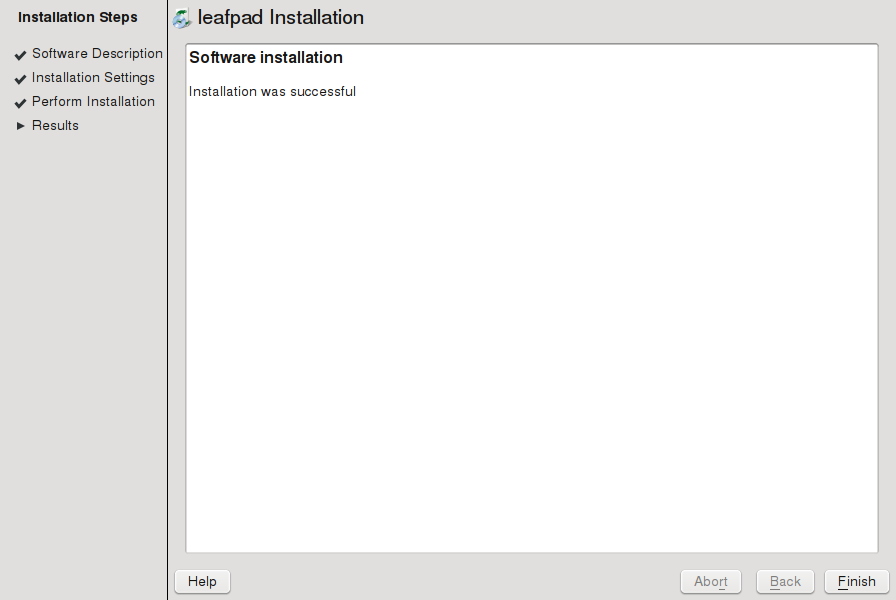
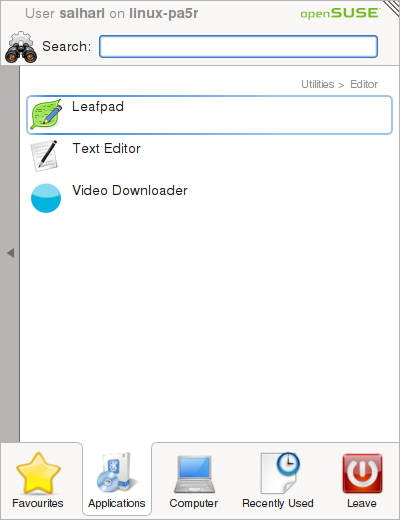
As expected, this should install Leafpad under “Applications – Utilities – Editor“. Click Leafpad to launch the editor. As you can see it launches quickly, no clutter of menu items and is as simple as using notepad in Windows.

Click here to visit the project homepage.