Alltray is a free opensource tool to dock any application with no native tray icon (like Evolution, evoluThunderbird, Terminals) into the system tray. A high-light feature is that a click on the ‘close’ button will minimize back to system tray. It works well with Gnome, KDE, XFCE 4, Fluxbox and WindowMaker.
Install Alltray
Packman hosts a 1-click installer for Alltray. Click  to download the Yast Metapackage (YMP) file and start the YaST Package manager. This should work on openSUSE 11.0/10.3/10.2, SuSE 10.1/10.0. Click Next on the screen showing the package details and click Next on the proposal window showing repositories to be added and software to be installed (alltray). This will add the repositories and then download and install alltray and required dependencies. Click Finish after successful installation.


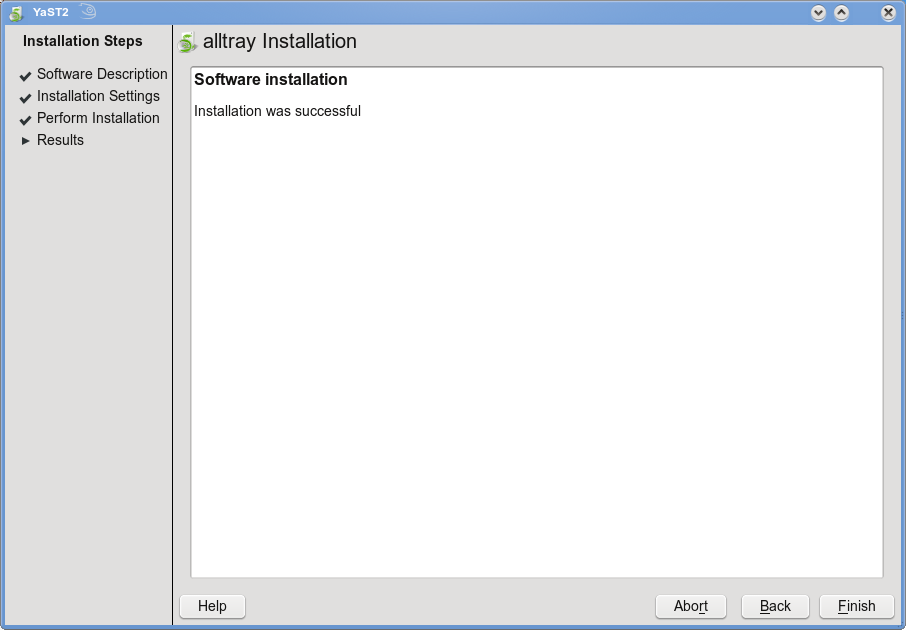
This adds Alltray under “Applications – Utilities – More Programs” as “AllTray“.

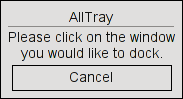
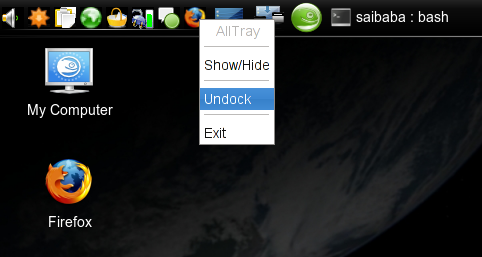
Click AllTray from the menu to start AllTray. Running for the first time, AllTray will prompt you to select the “X” button to be recognised as close button. At anytime, when you want to dock a window, start AllTray and click on the window. Here for instance, I’ve docked my Firefox window on the “System Tray”.
To undock window at any time, right-click on the icon on the system tray and click “Undock”.
A simple useful tool but obviously not so user friendly to start AllTray everytime you want to dock/undock an application. To visit the project homepage, click here
I use kdocker for this. It works the same.
I hope to see an app that can remember the tray setting after restarting the app. now you have to manual start kdocker or alltray to do so.
super useful….i remember many searched for a way to put thunderbird to systray while known plugin worked only for windows there was no linux solution. now it is. great work.
I don’t recommend AllTray. It’s buggy and no longer maintained.
Peope should try harder:
Open your consoles, give a firm man alltray, read and think about the wonderful things you CAN do with this nice proggie… put a few simple lines in your /home/you/.kde/Autostart/alltray_yourdockablething-file or .xinitrc
Thanks for this nice tool!