We recently saw here how to install and use Google Chrome web browser using Wine. Obviously not the best user experience considering the errors that occured or the installation procedure. However, the geeks at Codeweavers have developed CrossOver Chromium based on the opensource Chromium project which is the basis of the Google Chrome browser. CrossOver Chromium uses Wine to run Chromium Browser.
Trying to evaluate Google Chrome on Linux is much better I should say if you try using CrossOver Chromium than our previous manual installation from Windows installers on top of Wine.
There is a RPM package available for SuSE which works absolutely fine on openSUSE as well (tested on openSUSE 11.0).
Click here to download the installer. If you would like to download from a Terminal Window then
opensuse11:~ # wget http://media.codeweavers.com/pub/crossover/chromium/cxchromium-0.9.0-1.i386.rpm
Once downloaded, install as follows:
opensuse11:~ # yast2 -i cxchromium-0.9.0-1.i386.rpm
This should install CrossOver Chromium and its uninstaller under Applications – CrossOver Chroium
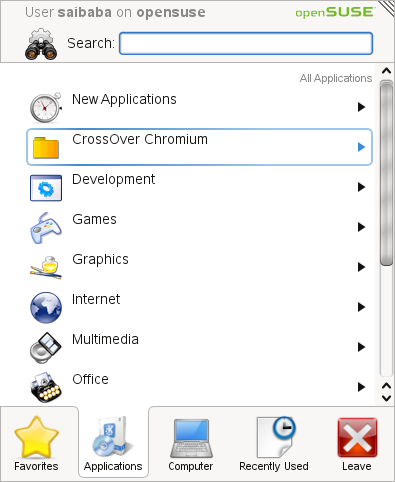

Start CxChromium and its Chromium or Google Chrome for you. Nice and neat to install and use.

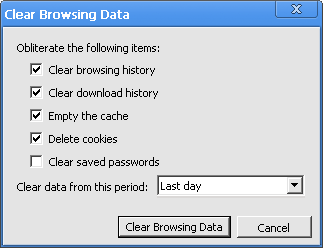
The following are the screenshots of the features we previously discussed here.
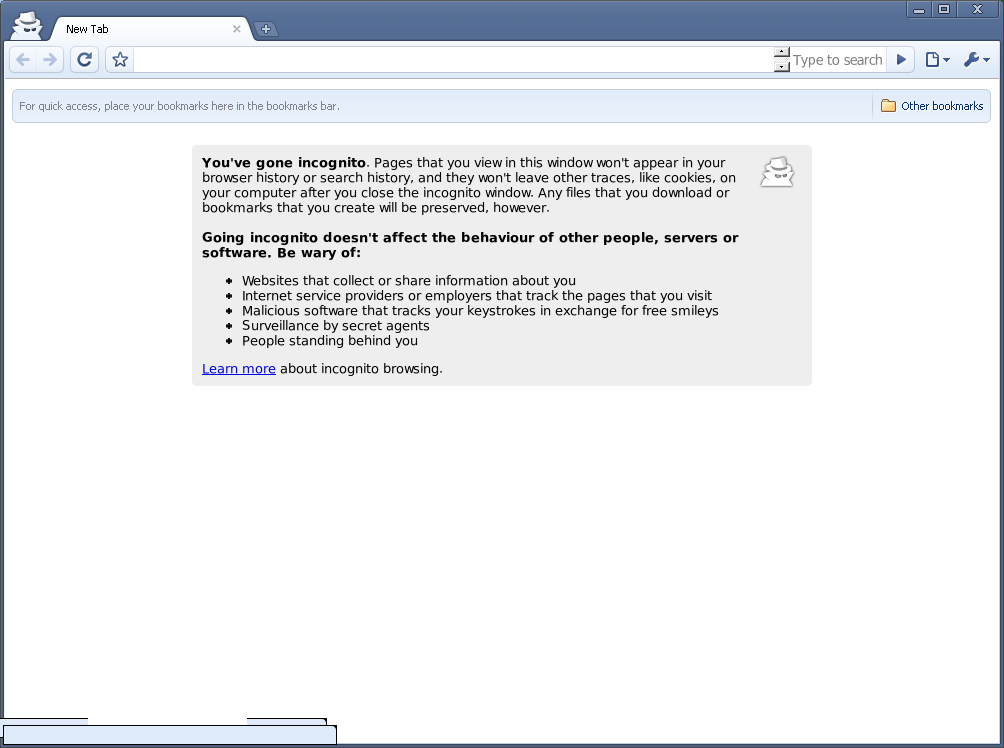
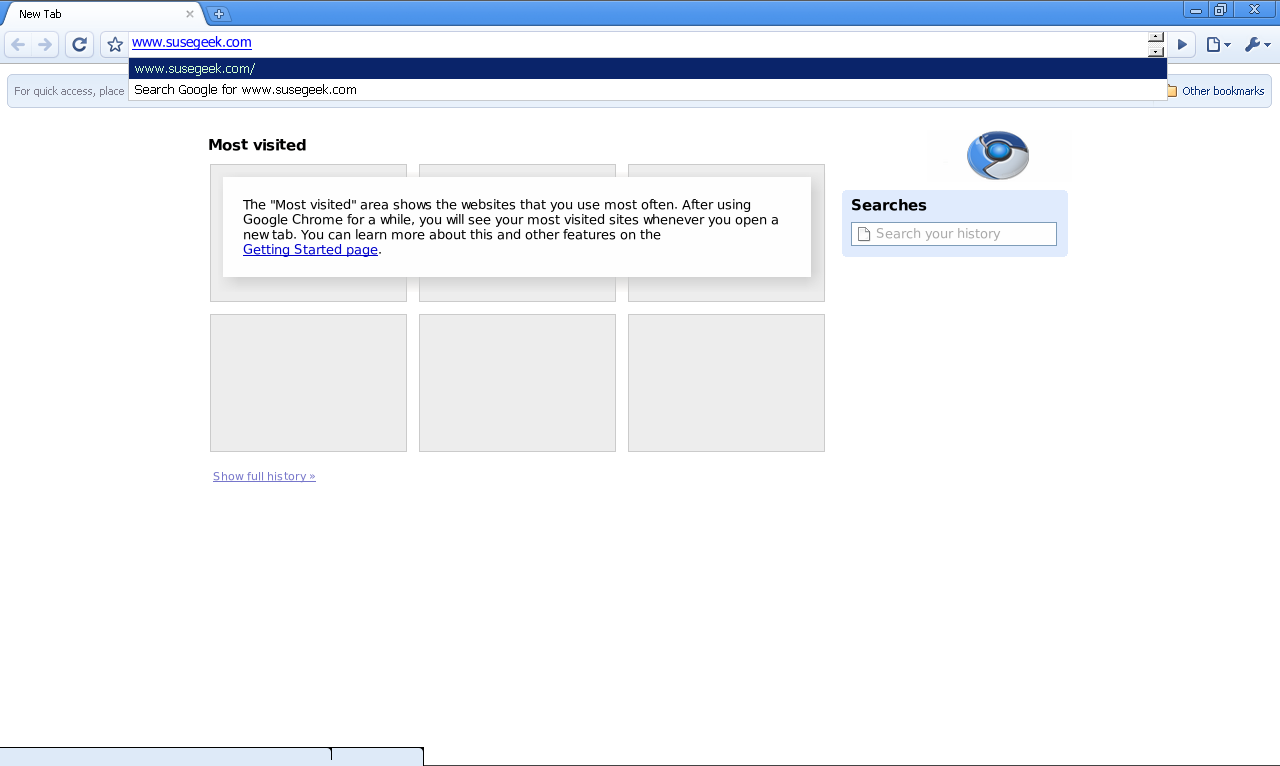

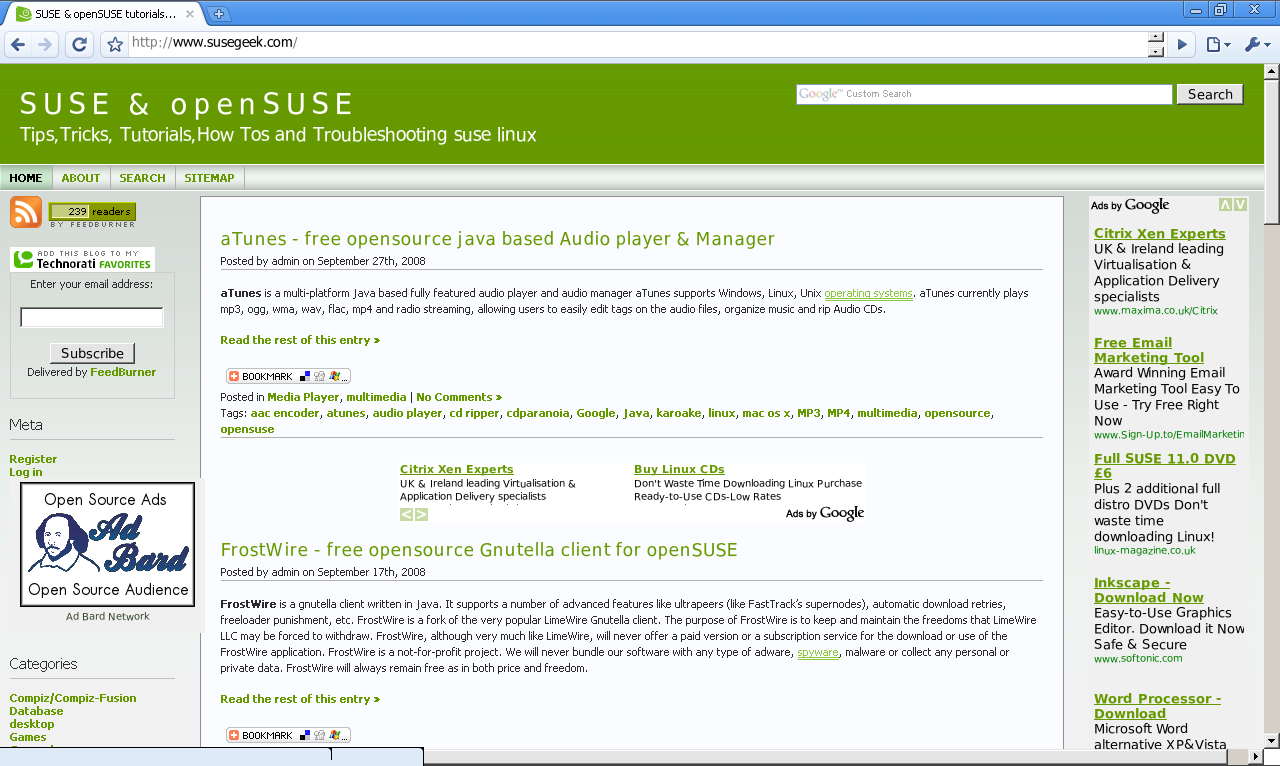


To visit the CrossOver Chromium homepage, click here
To visit the Chromium project page, click here
too bad it crashes every 2 minutes :-))