Googles new free opensource browser Google Chrome took the world of Internet by surprise when it was released a few days ago. Google Chrome is currently in Beta as was many other Googles web application like GMail for a quite long time and is released only for Windows. A linux version of Google Chrome is expected sooner but anyone who can’t keep the excitement under control can get their hands on Google Chrome by installing with Win on your openSUSE. Wine is an Open Source implementation of the Windows API on top of X, OpenGL, and Unix. Wine as a compatibility layer for running Windows programs. Wine does not require Microsoft Windows, as it is a completely free alternative implementation of the Windows API consisting of 100% non-Microsoft code, however Wine can optionally use native Windows DLLs if they are available.
Install Wine
Installing Google Chrome in openSUSE or in any Linux required WINE to be installed before we can get the Executable for Google Chrome (Windows). To install Wine on your openSUSE, click one of the following 1-click installer (YaST MetaPackages) based on your openSUSE version. This will automatically download the YMP file for Wine and launch YaST Package Manager.
openSUSE 11.0

openSUSE 10.3
openSUSE 10.2
NOTE: Click here to enable 1-click install feature in openSUSE 10.2
Click Next on the repositories window and Next again on the Wine package selection window and finally Next on the Install proposal window. This should add repositories, download and install wine and required dependencies. Click Finish when successfully installed.

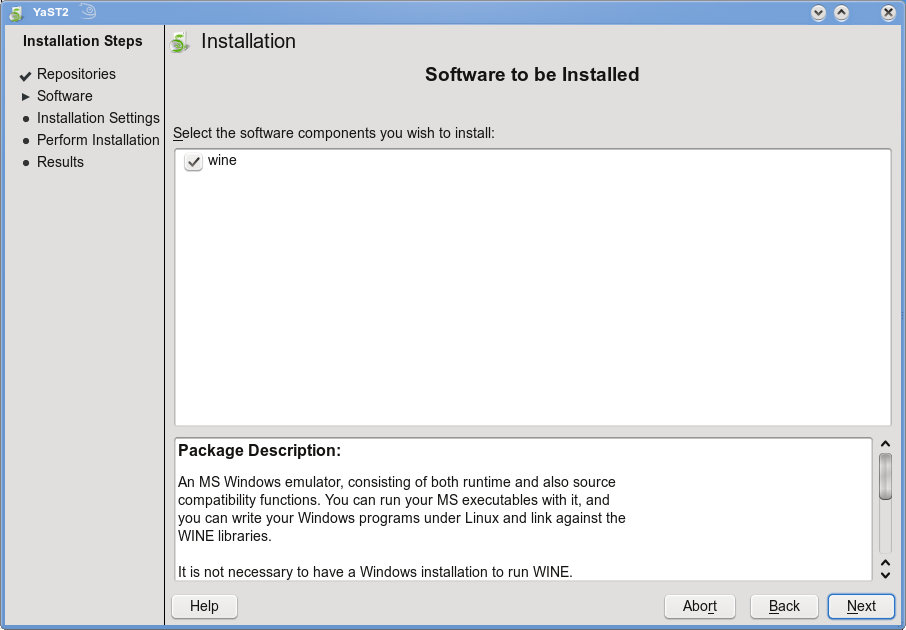
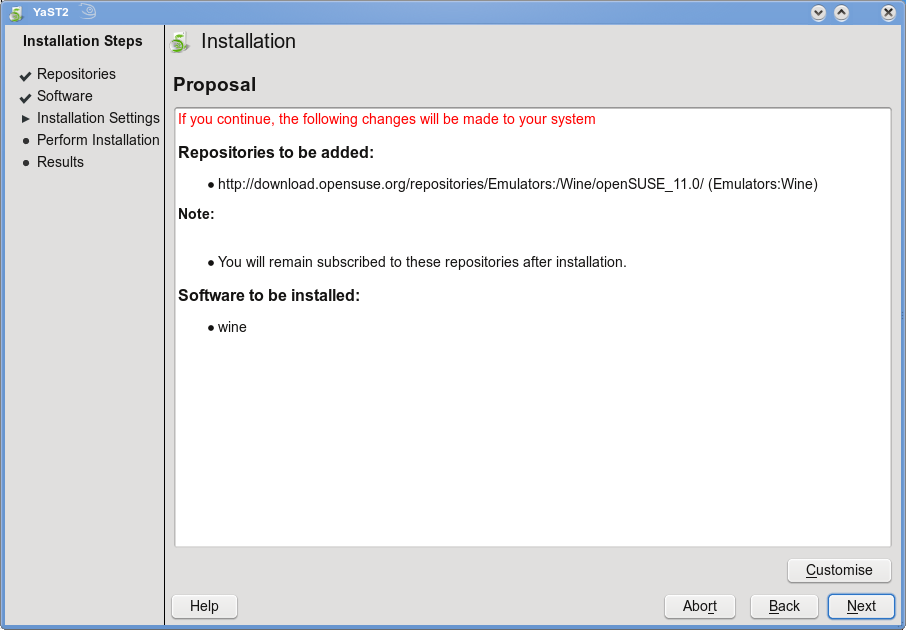
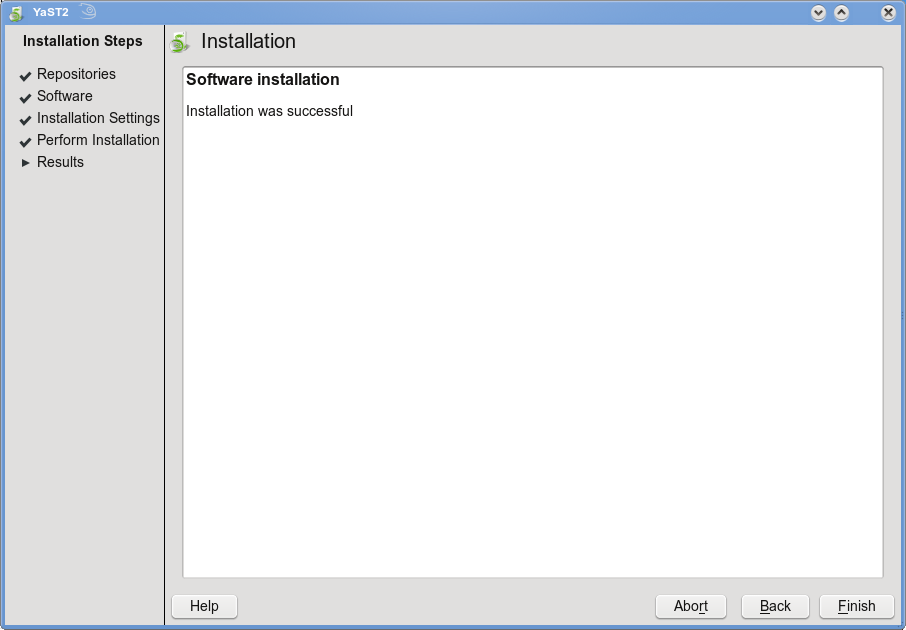
Once installed, Wine is installed under “/usr/bin/wine”
opensuse11:~ # which wine
/usr/bin/wine
The network installer availabe from http://www.google.com/chrome is not the one that will help. Instead download the full installer for Google Chrome from here
You can download from a terminal window as follows:
opensuse11:~ # wget http://cache.pack.google.com/chrome/install/149.27/chrome_installer.exe
Install Google Chrome as follows
opensuse11:~ # wine chrome_installer.exe
Once installed, google Chrome tries to import settings bookmarks etc from Internet Explorer. This doesn’t do in Linux so simply click “Start Google Chrome”. This starts Google Chrome browser for the first time. This will crash. Don’t panic!!!

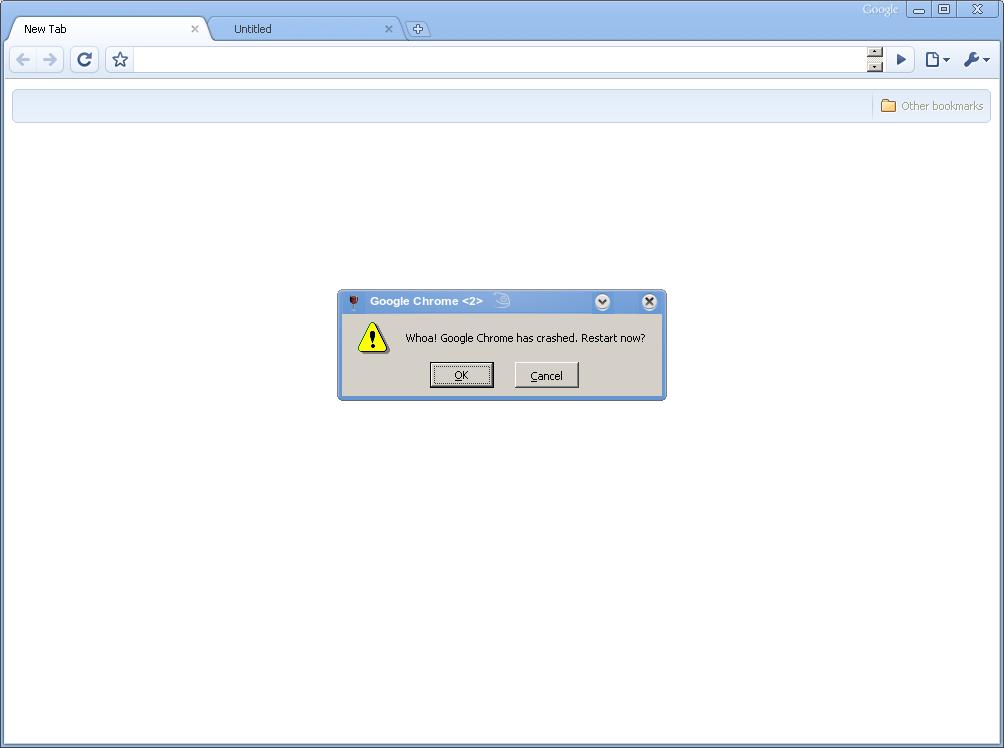
Simply close and start Google Chrome from terminal as follows
opensuse11:~ # wine ~/.wine/drive_c/windows/profiles/$USER/Local\ Settings/Application\ Data/Google/Chrome/Application/chrome.exe –new-http —process-plugins &

This should work. You may add a shortcut on your Desktop to start like any other browser or program. While, you cannot expect a fully featured Google Chrome as in Windows, most of the features like most visited websites, incognito (browse with privacy) should all work without much of a problem.
Following are some of the screenshots from Google in Action on you openSUSE.

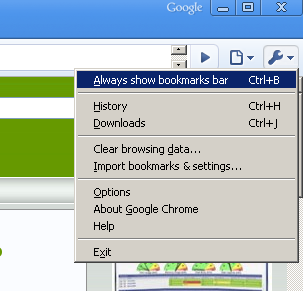
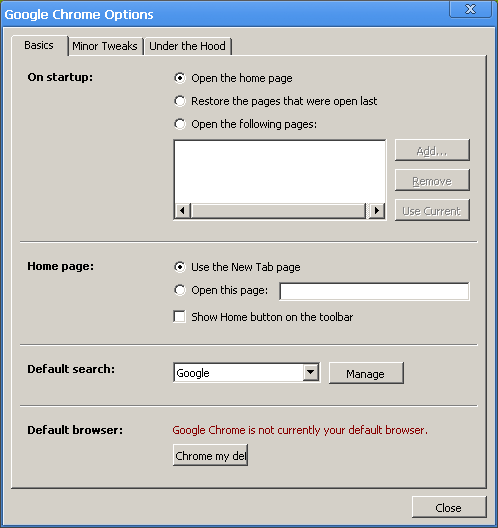

For more feature information, click here
i try in my opensuse11 pc and i get this error, can you help me ?
thanks..
nugen@bunglon:~> wine chrome_installer.exe
err:setupapi:detect_compression_type cannot open file L”Z:\\home\\nugen\\-r”
err:setupapi:get_file_size cannot open file L”Z:\\home\\nugen\\-r”
expand.exe: can’t open input file Z:\home\nugen\-r
What I do not understand is why we settle for second best instead of asking for a native Chrome for Linux? After all, if I wanted to run Windows apps, I would run on Windows after all.
Once Chrome is available for Linux, only then, I will put it on my box (no offense to folks working on Wine, a very fine product I might add).
I have XP in my Virtualbox, and I installed Google Chrome. Never really enjoyed it, I can’t do much to customize it. We’ll see when it’s ready for Linux. Maybe “better” than FF?
Hey!
I dont wanna even try it. why!!?? because its from gooooogle!??
Come on!
Not everything that comes from this company is so great.
Picasa?? bahhhh –> not even near the toes of Digikam.
FOSS rulz! and that chrome thing can’t stand a minimal chance against firefox… Why even bother?
Me.
Google don’t seem to want anyone to install it other than through their online installer. The links given above are now broken and my attempts to track down the standalone installer have failed.
I wanted to download it under Linux and install it in Wine but also on a box with no internet access (to use other apps trhat connect via a web browser) but this seems impossible.
Am I being paranoid???
Rgrds
Peter
Hi,I am using Open Suse 10.3 with 64 bit. Can anybody provide me the wine download link for 10.3?, the above link is not working.Thanks,Shekar
Hello, I am using open suse 11.0, but can’t able to install properly…. is there any other browser for suse 11.0 ?