Stellarium is a free open source planetarium for your computer. It shows a realistic sky in 3D, just like what you see with the naked eye, binoculars or a telescope. It is being used in planetarium projectors. Just set your coordinates and go.
Sky
* default catalogue of over 600,000 stars
* extra catalogues with more than 210 million stars
* asterisms and illustrations of the constellations
* constellations for ten different cultures
* images of nebulae (full Messier catalogue)
* realistic Milky Way
* very realistic atmosphere, sunrise and sunset
* the planets and their satellitesInterface
* a powerful zoom
* time control
* multilingual interface
* scripting to record and play your own shows
* fisheye projection for planetarium domes
* spheric mirror projection for your own dome
* graphical interface and extensive keyboard control
* telescope controlVisualisation
* equatorial and azimuthal grids
* star twinkling
* shooting stars
* eclipse simulation
* skinnable landscapes, now with spheric panorama projectionCustomisability
* add your own deep sky objects, landscapes, constellation images, scripts…
Install Stellarium
To install Stellarium on your openSUSE, click one of the following 1-click installer (YaST MetaPackages) based on your openSUSE version. This will automatically download the YMP file and launch YaST Package Manager.
openSUSE 11.0

openSUSE 10.3
openSUSE 10.2
NOTE: Click here to enable 1-click install feature in openSUSE 10.2
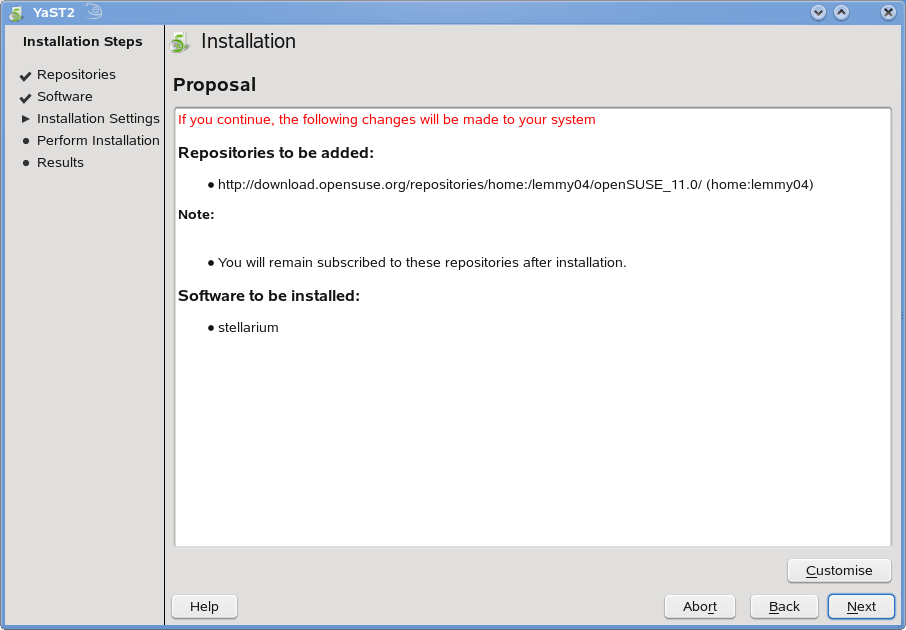
Click Next in the page showing Repository selected and then click Next on the page showing Celestia package selection and click Next again on the installation proposal window. This will start adding the required repositories and install the Celestia package and the required dependencies. Click Finish when the successfully installed on your openSUSE.



Once installed, Stellarium is found under “Applications – Edutainment” as “Planetarium in your computer“.

Click “Planetarium in your computer” to start Stellarium.


This starts your whole new experience of your planets. The viewable options can be found under the bottom of the screen as icons. On the bottom right, you have the time settings.
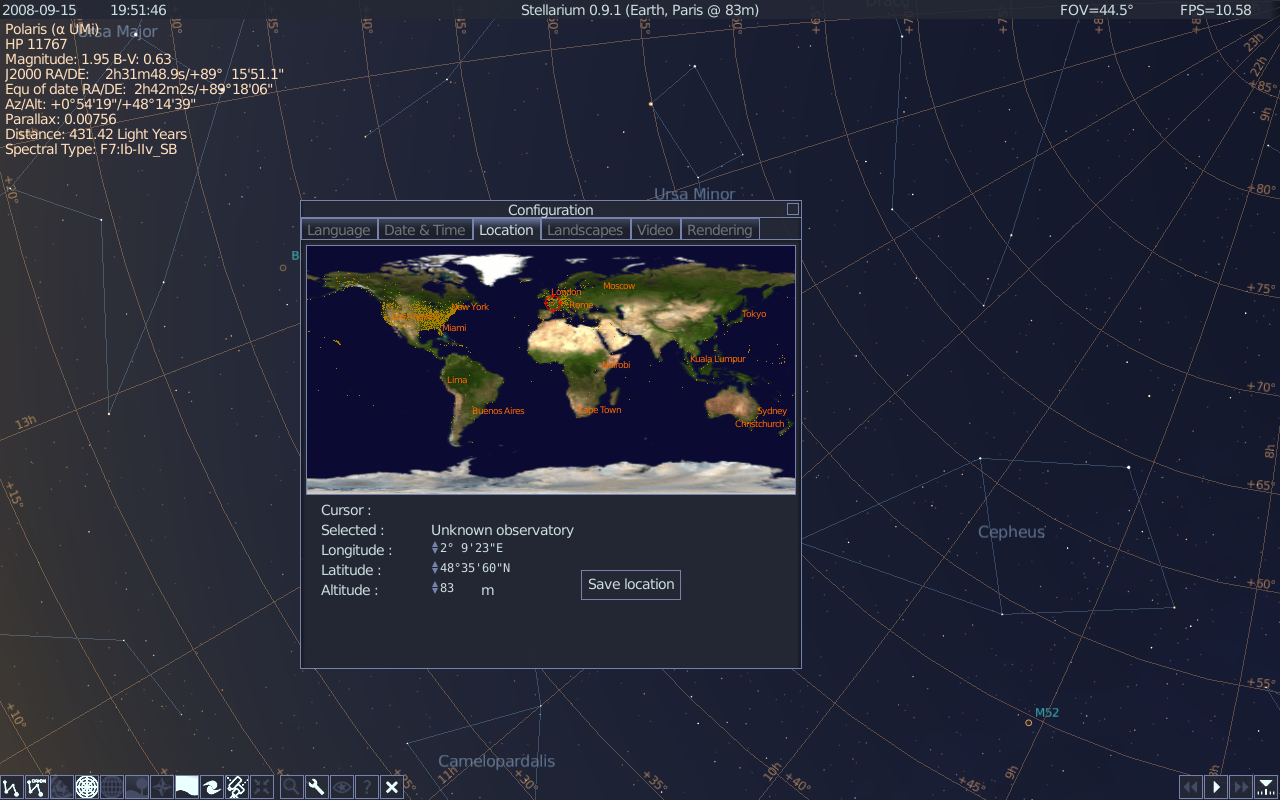
Use your mouse to get a 3D view by dragging and clicking buttons on your mouse.
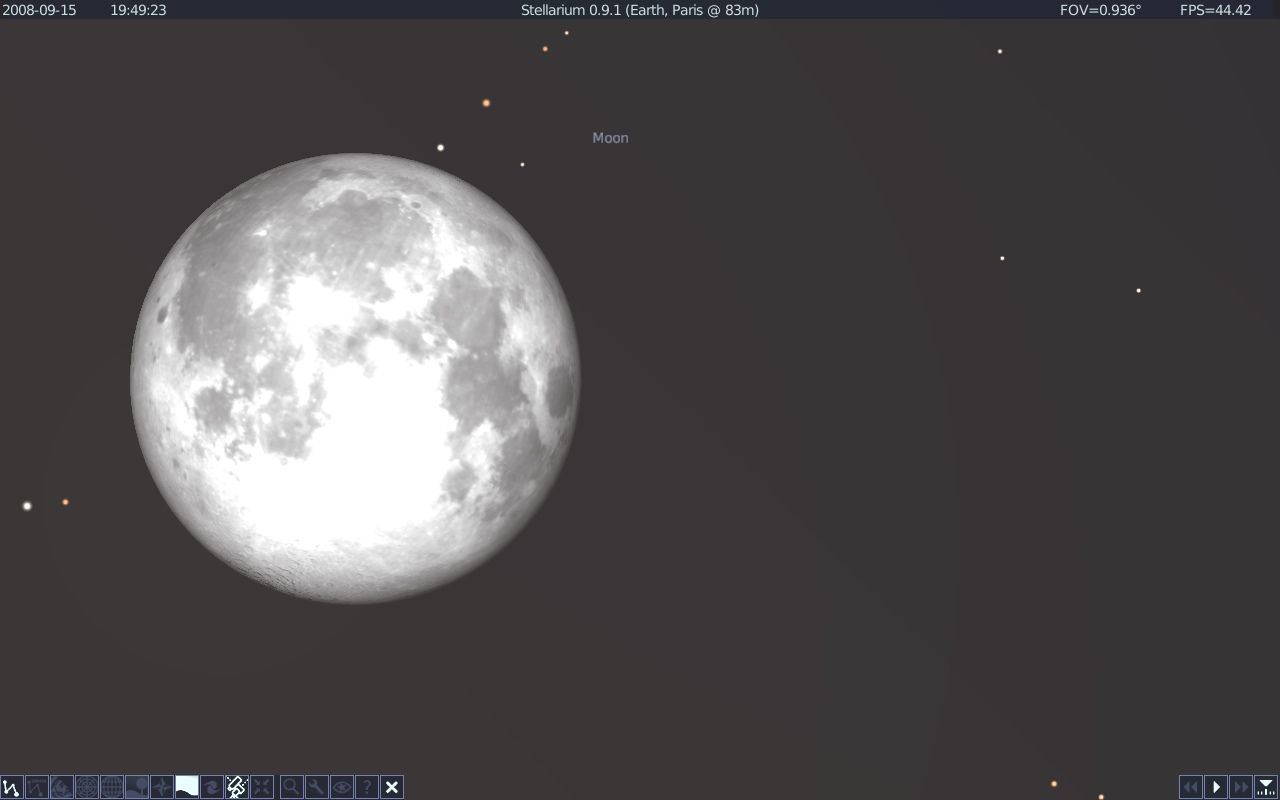
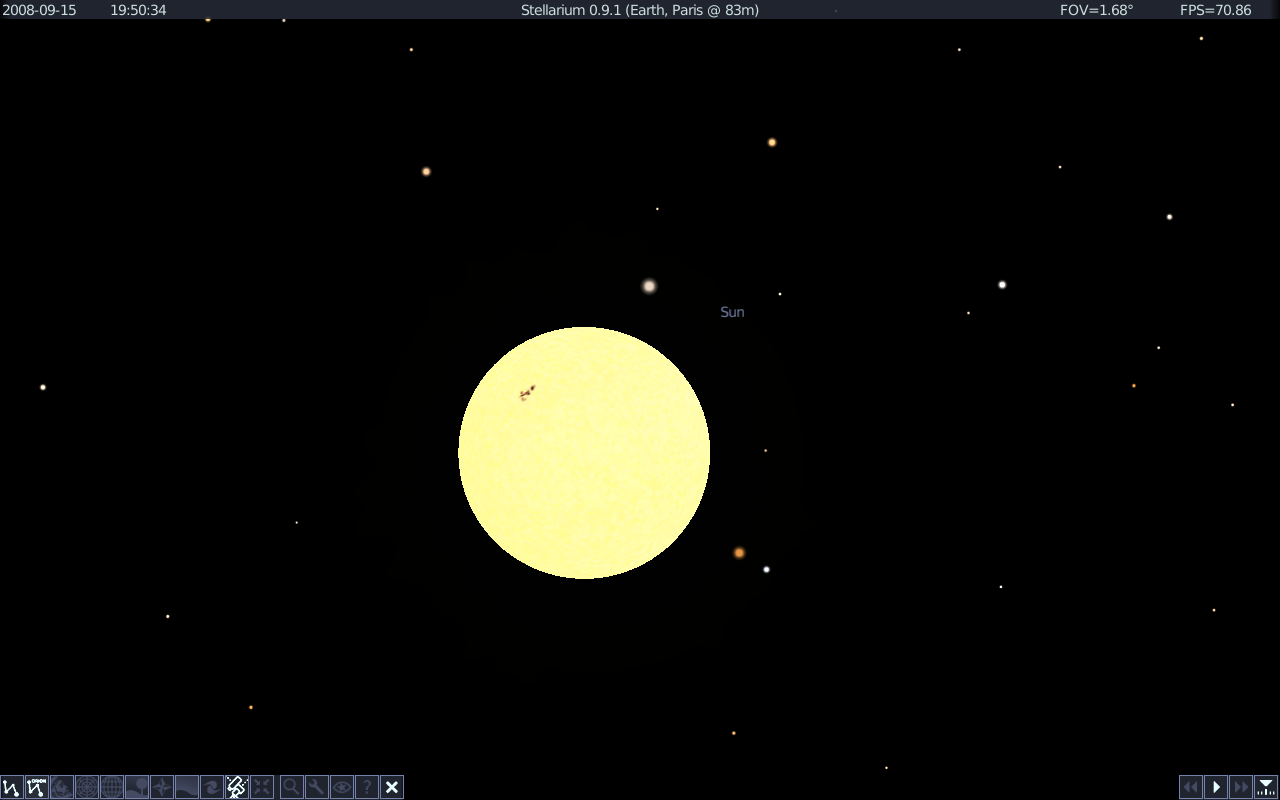
Following are some of the screenshots from Stellarium.

For more details from the project homepage, click here
You consistently misspelled “planetarium” throughout this article, even when one of the screenshots you posted shows it spelled correctly.
Thanks I’ve changed them now!
I enjoyed your post, very informative. I’m learning a lot from your site.
When will be available 1-click for Suse 11.1?
Thanks,
Dan
Wow…
It didn’t work for me, can you give us some more information?
Hello,
I am running OpenSuse 11.2, and installed Stellarium 0.10.x. I can’t get the settings to display properly (the sky and stars render perfectly). Whenever I open the anything in the settings, I only see broken horizontal lines (very very poor rendering).
Can anyone let me know how to fix it?
Regards,
Devendra Rai