Opera is one of the free Internet Browsers that has those colorful features and superior functionalties. The newer opera 9.5 is quicker to start faster at loading Web pages and better at running your favorite Web applications.
The newer features include
Quick Find
Opera link
More than 2x faster than Opera 9.2 in rendering JavaScript and HTML
Faster handling of third party plug-ins
Much faster start up time
Superior support for Web standards
To install Opera 9.5 browser in your openSUSE,
From KMenu – COmputer, click “Install Software”. Enter the Administrator (root) password when prompted.
Set the filter to “Search” and search for “opera”
Tick the checkbox for “opera” and click Accept. This should download and install Opera Internet browser for you.

To simply install from the command line,
opensuse11:~ # yast2 -i opera
This should launch YaST Package Manager and install the opera browser for you.
Once installed, Opera Browser can be found under
KMenu – Applications – Internet – Web Browser
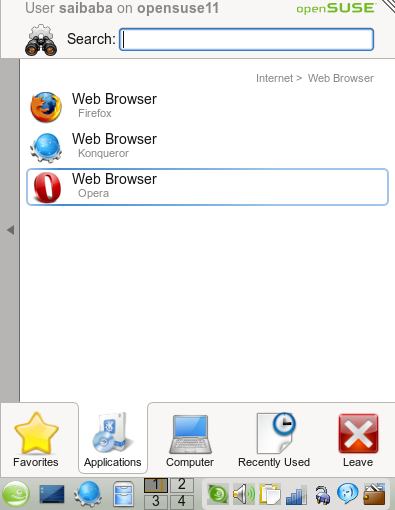
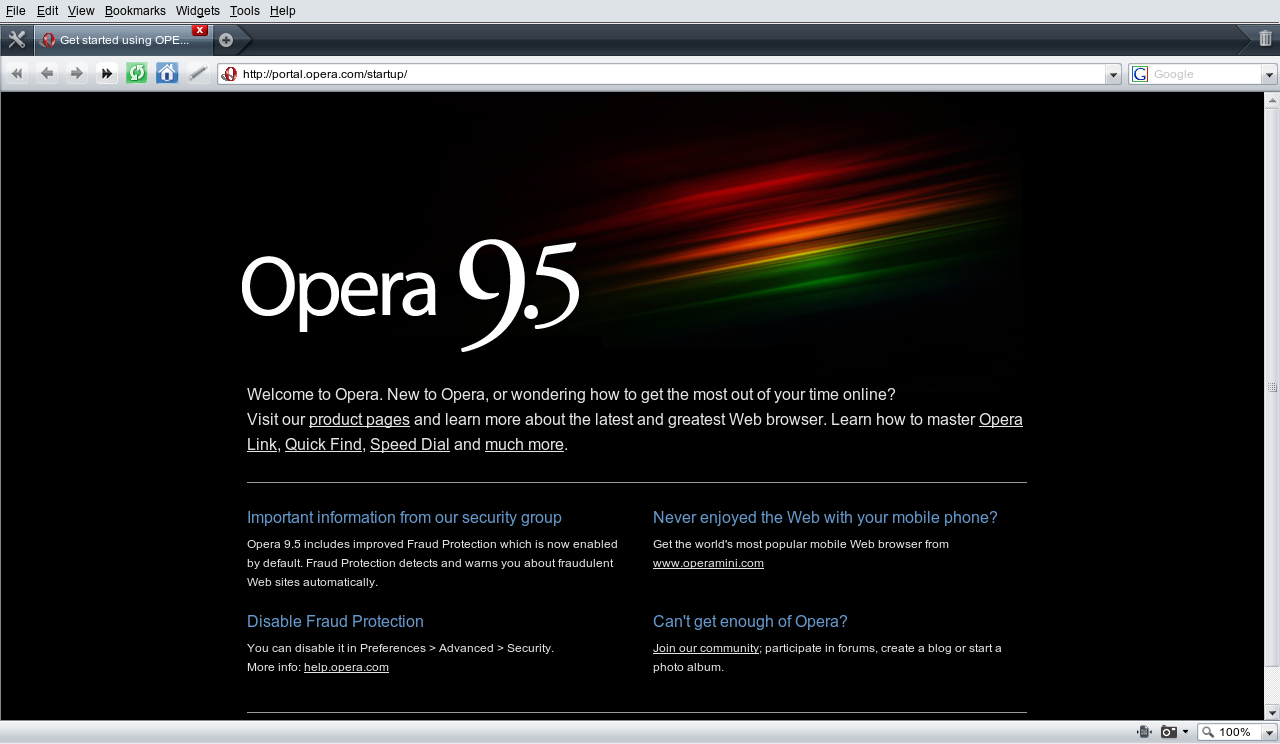
Click Opera to start Opera browser. First time when launched will prompt to accept the License Terms and thereon its all yours.

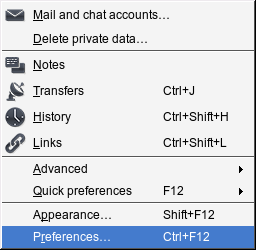
For settings, click Tools and then Preferences. You can create/set email, chat acccounts, search engines and more.
“Opera is one of the free opensource Internet Browsers”. You´re wrong. Opera is closed source.
Opera IS NOT an open-source application. It is a proprietary browser developed privately by Opera Software.
Thanks I’ve updated the article!
I have Opera installed on my machine. I used it for a while, because I screwed my Firefox. Kinda like it (Opera), ’cause, somehow, it loads faster, except that it doesn’t play videos on Youtube or Veoh well. Then, I reinstalled Firefox. Things are back to normal again. So, I switched back. Still, Opera is a better browser than IE.
opera es el mejor navegador en la ctualidad le lleva con mucho a firefox creanme porque yo los use ambos y opera es el vencedor!!
opera is the best!!!!
Opera