BasKet Note Pads is a free opensource notepad/scrible pad software for Linux. BasKet can be used as a manual clipboard. This means that you can drop files of all kinds inside. They can be grouped in different tabs. BasKet is very simple to use and easy to differentiate between notes by setting tags, priorities and flags. The feature that inspired be the most was the text drag and drop from websites and screen captures added as notes inside the BasKet.
Some of the features include
One click Note taking Simply click and type notes
Easily take all sort of notes
Collect research results and share them
Centralize your project data and reuse it
Quickly organize your thoughts in idea boxes
Keep track of your information in a smart way
Make intelligent To Do lists
Drag and Drop texts from websites
Grab screenshots onto the BasKet with just a click
Application launchers, Links Texts can all be added (Images can soon be added in the versions to come)
Install BasKet
To install BasKet in your openSUSE, click one the following 1-click installers for your openSUSE version. This will download the YaST Metpackage (YMP) file and open with YaST Package Manager.
openSUSE 11.0

openSUSE 10.3
openSUSE 10.2
NOTE: Click here to enable 1-click install in openSUSE 10.2
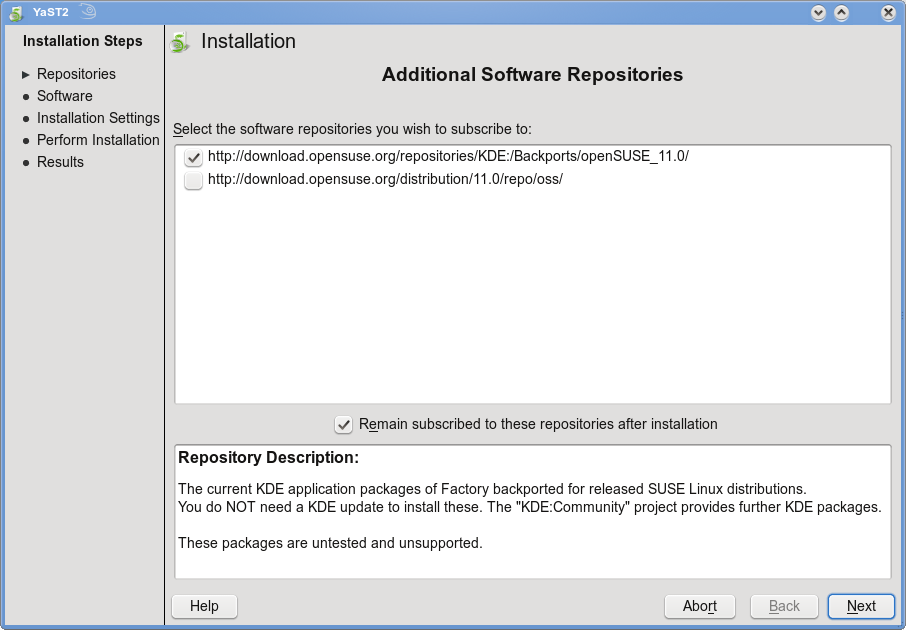
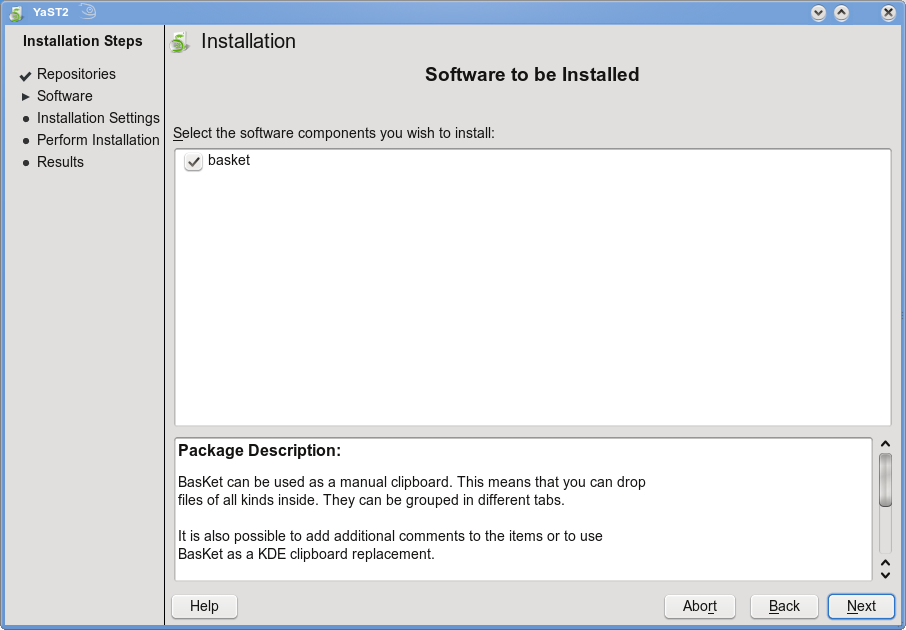
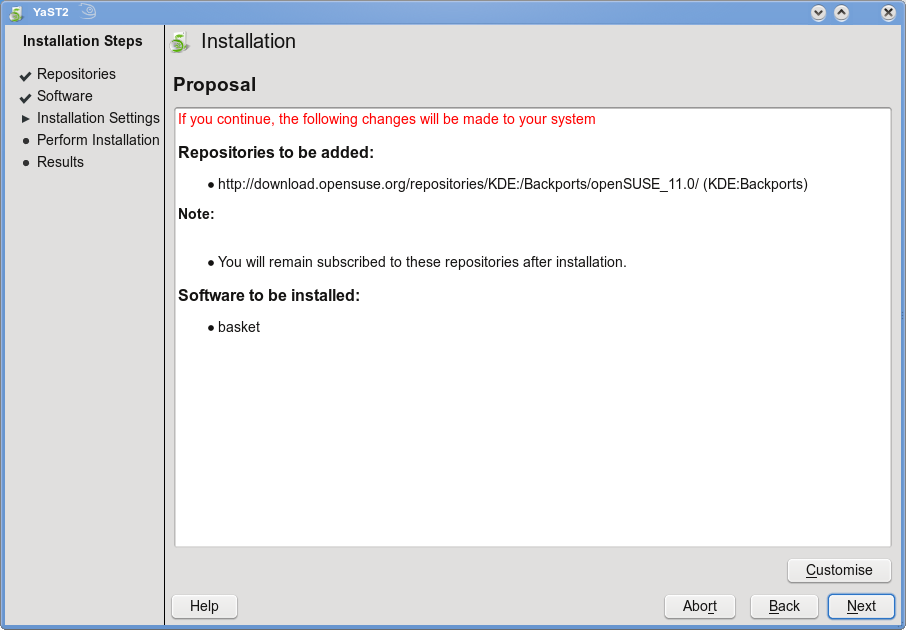
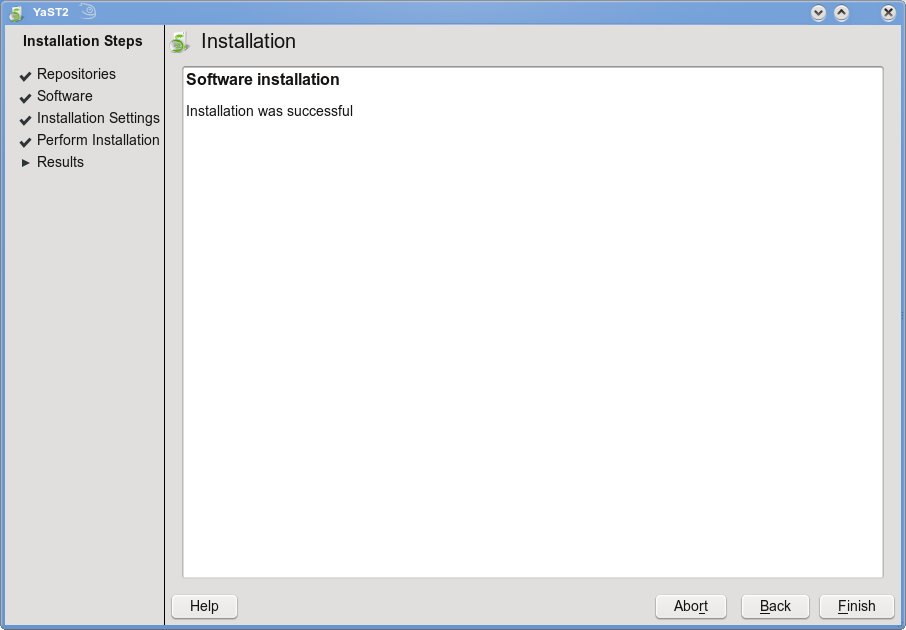
Click Next on the window showing the Repositories selection, Next on the Package selection window and finally Next again on installation Summary. This starts the installation and adds the required repositories and start installing BasKet and the required dependencies. Once, succesfully installed, click Finish to complete the installation.
This installs BasKet under “Applications – Utilities – Desktop” as “Extended Clipboard”.
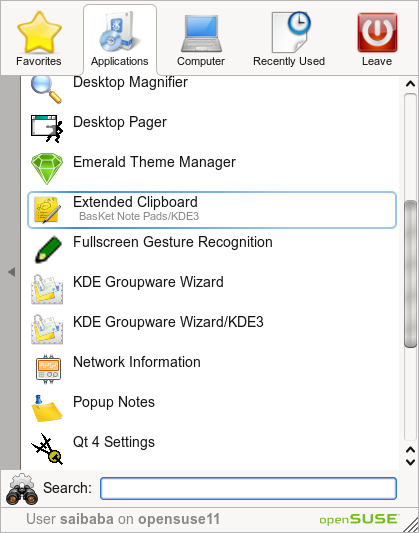
Click “Extended Clipboard” to launch BasKet. Simply click anywhere on BasKet to make notes and once notes are typed in, simply drag and drop where you want on the BasKet window. Also, you can organize notes under a seperate BasKet or a Sub BasKet or a Sibling BasKet.

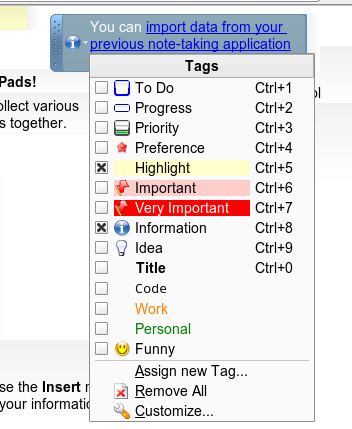
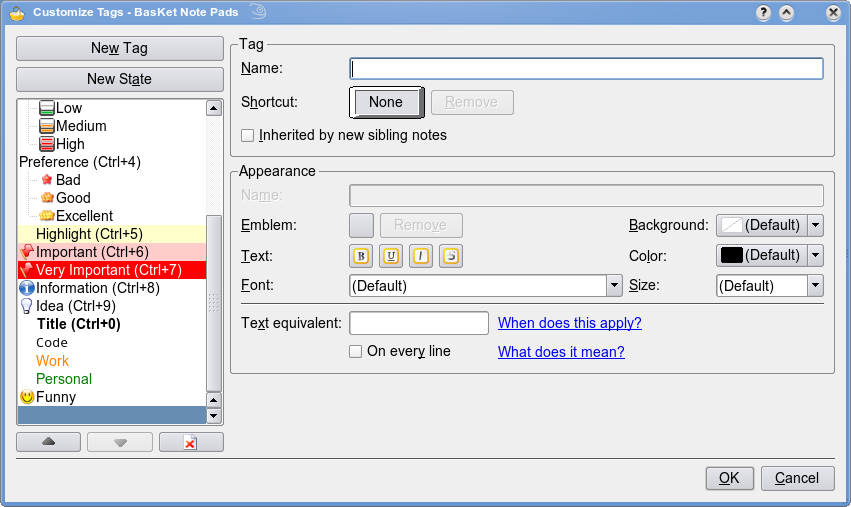
Click the drop down arrow on the note to set the Tag on the note. To customize the tag, click “Customize” in the tag menu.
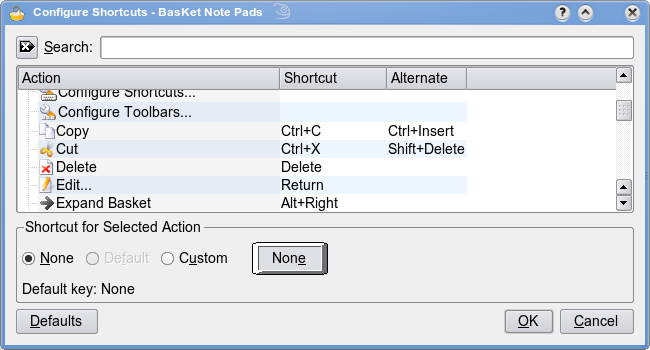
Configure Shortcuts Toolbars etc from the Settings menu
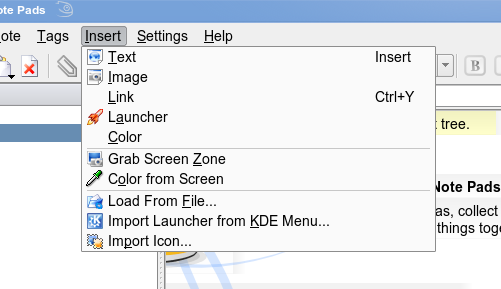
To insert Text, Links, Images (not implemented yet), Application launchers, screenshots, color from screen etc from the Insert Menu
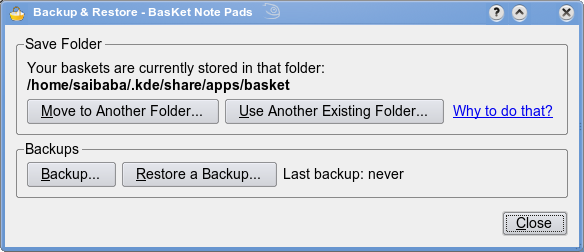
Backup and Restore your notes from the BasKet – Backup & Restore
BasKet is more than a notepad and is rightly called a Extended Clipboard. Visit the project’s homepage from here
Basket is really great. One of the better applications I’ve ever had the fortune of using. I was shocked to find out the developer would no longer be working on it!! Not to worry though there is a new team forming around #basket-devel on irc.freenode.net If anyone wants to see where this great app is going next go hang out there!!