QVideoConverter is a simple video converter to convert Video files or DVDs to Divx Videos. QVideoConverter is a simple frontend GUI for mencoder which converts the videos to DivX format. QVideoConverter can auto detect the the Real Video Area and can Normalize video. QVideoConverter allows you to set the Bitrate, file size (MB), Framerate and Video resolution.
Install QVideoConverter
Click this 1-click installer  for QvideoConverter from Packman to download the YaST MetaPackage file (YMP) and launch with YaST Package Manager. This 1-click installer supports openSUSE 11.0/10.3/10.2 & SuSE 10.1/10.0.
NOTE: Click here to enable 1-click install in openSUSE 10.2


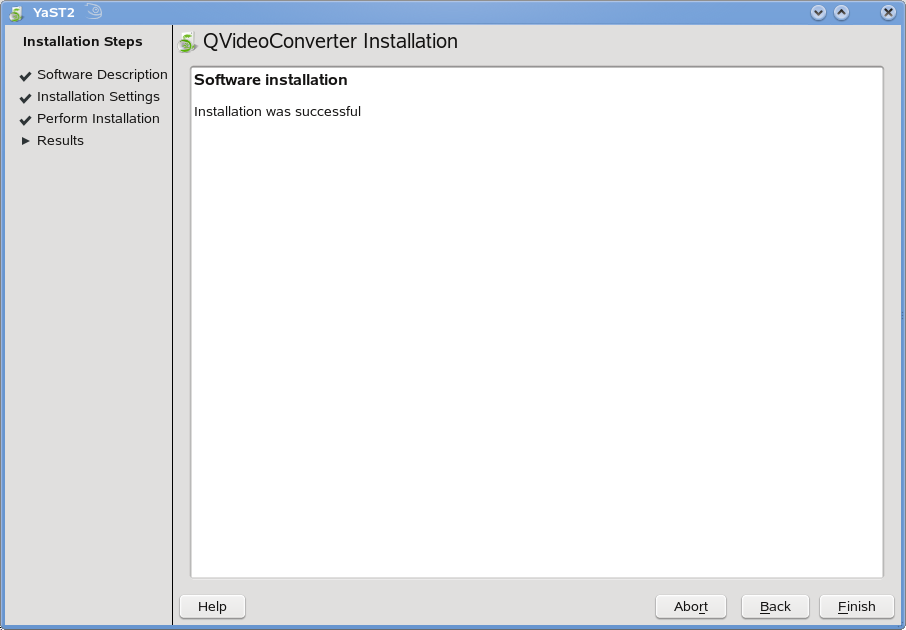
Click Next on the window with the QVideoConverter description and Next again on the installation proposal window. This should download and add the required repositories and then install QVideoConverter and the relevant dependencies. Click Finish when successfully installed.

This installs QVideoConverter under “Applications – Multimedia – Media Editing“. Click QvideoConverter to launch the converter and you can see the very simple interface of QVideoConverter. It has 2 tabs, one for the file selections and other to set various options.


To convert videos, select “File” or “DVD” as the input file type and select the required file. Select the output folder and the filename of the output file and click Start.
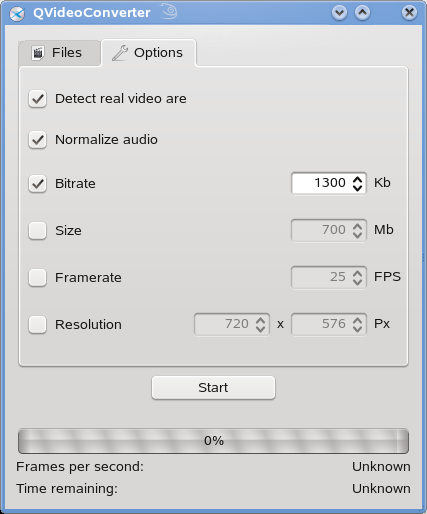
Click Options tab and set the various options like bitrate, filesize, Framerate or video resolution.
To visit the project homepage, click here